Autoresponder - Unthread
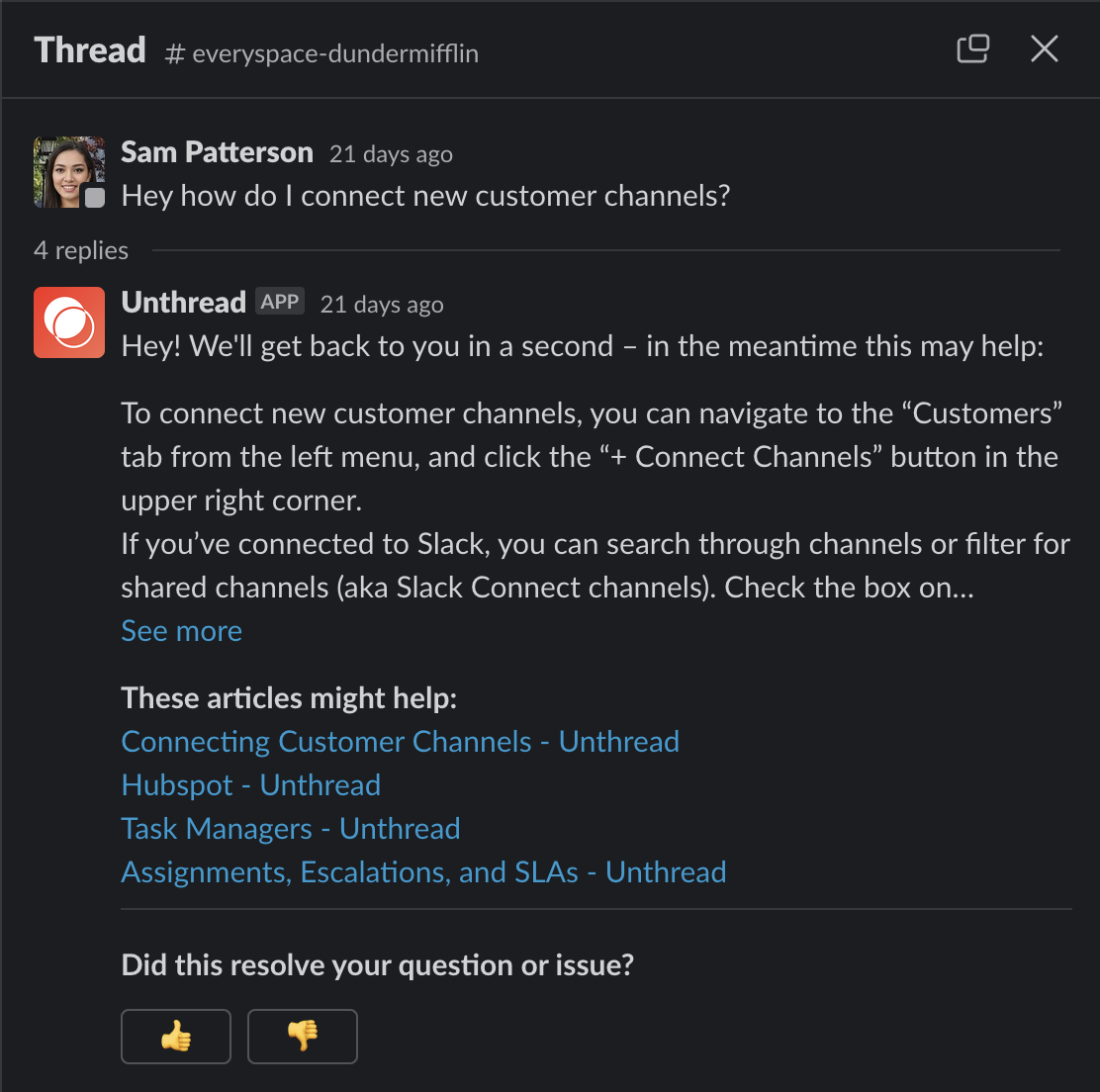
The Autoresponder, as you might have guessed from the name, is a way to automatically respond to new customer messages in a Slack channel, email, or in-app chat request. It will automatically create a thread off of the initial customer message. The autoresponder message can be static or generated by AI, and you can change the messaging depending on day or time that they reach out.
Setting up the Autoresponder
For Slack
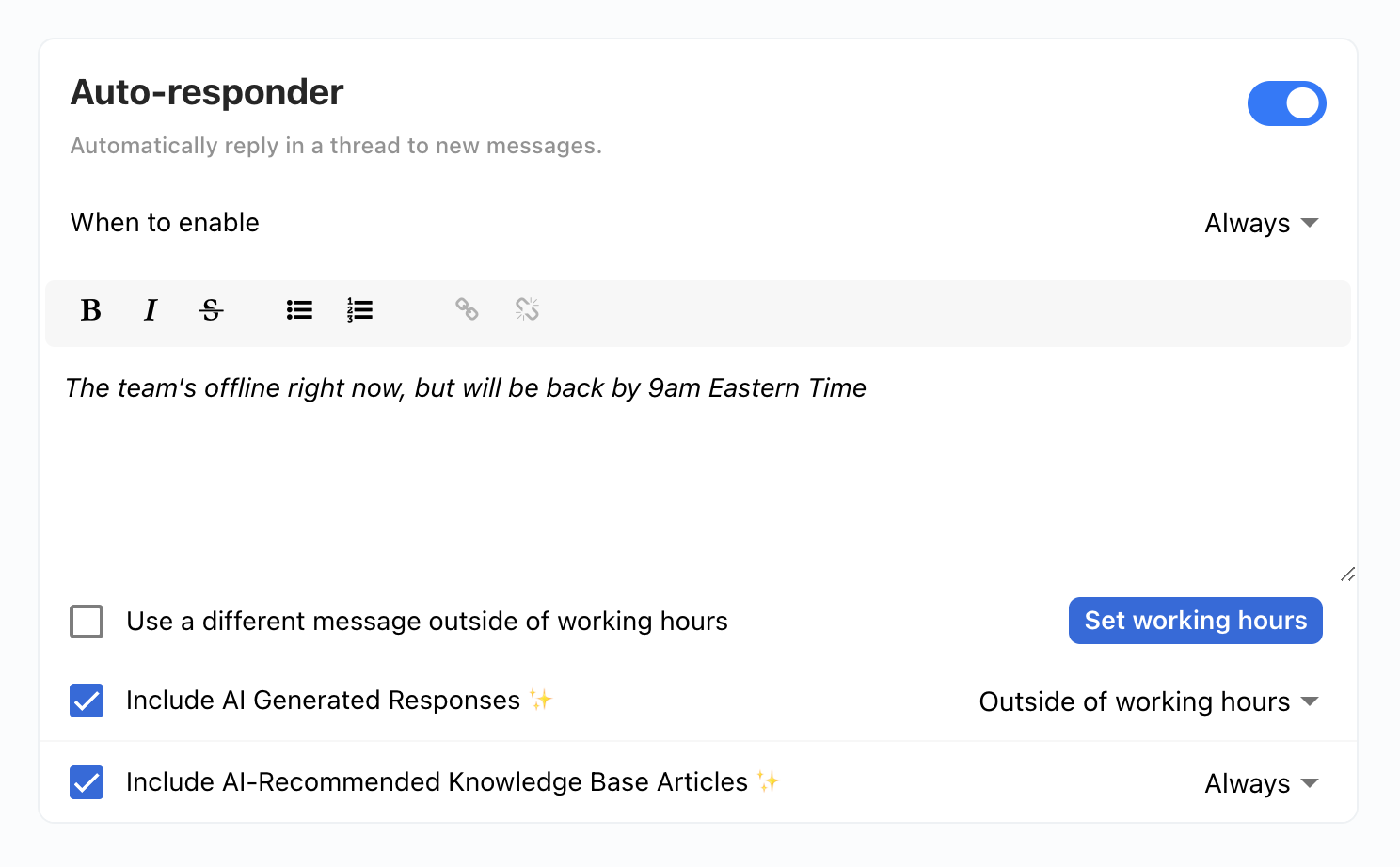
Head to your “Settings” > “General”, there you’ll find an autoresponder settings box.
For Email
Head to “Channels” > “Email” then select the email inbox you want to configure. You’ll see the option to enable the autoresponder from there.
Overrides Per Customer
You can also override the global autoresponder setting per customer or per channel. To do this from the web app, go to the customer’s Settings page, and enable the “Override Autoresponder” option.
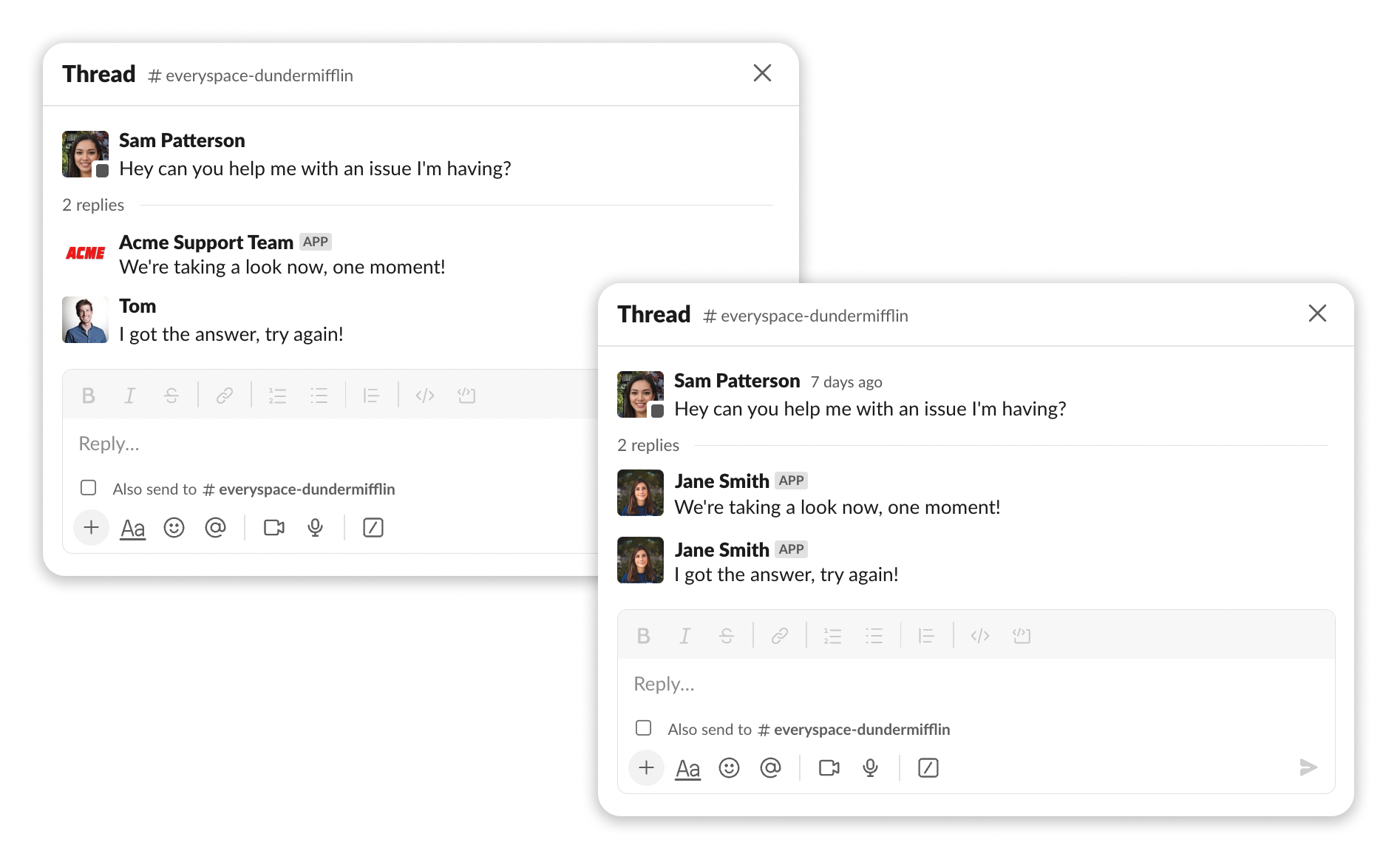
Customizing Name and Image
Use-cases
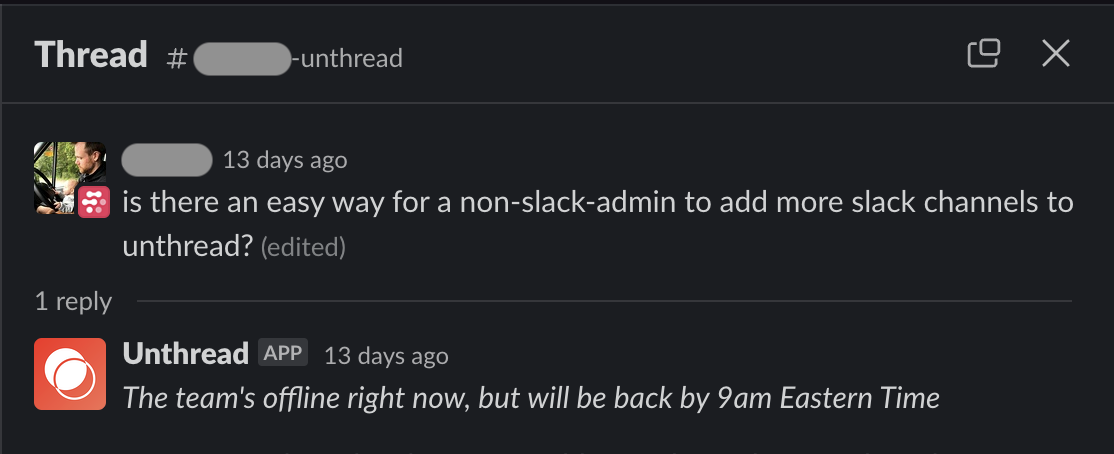
Outside of Working Hours Message
AI-Generated Response with Helpdesk Docs