Article
Automatically Tagging Conversations with AI - Unthread
1 min read
Last updated 3 months ago
Automatically Tagging Conversations with AI
You can create your own custom set of tags and allow Unthread AI to automatically apply them to conversations.
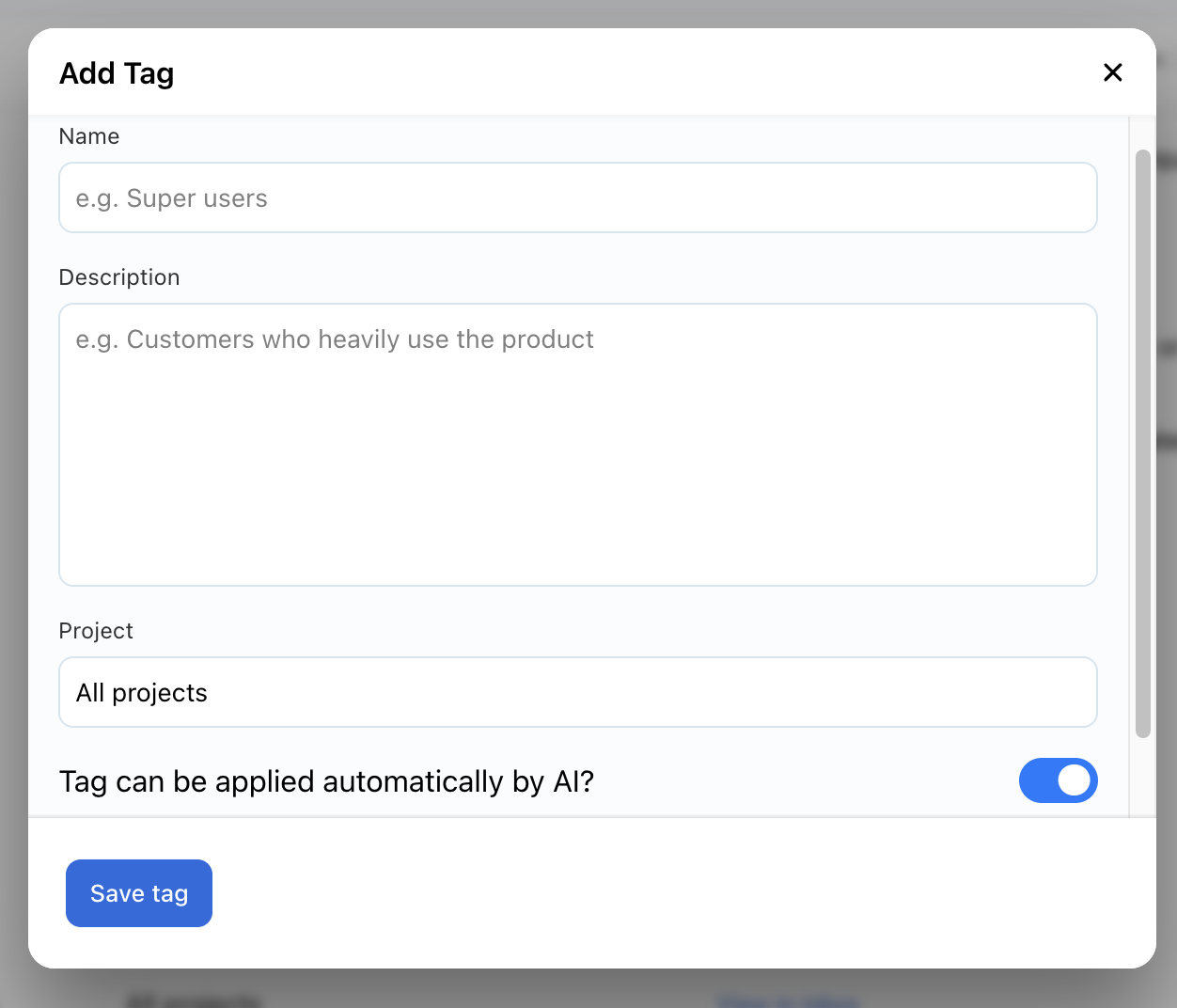
To create a new tag, click “Tags” in the left menu, then select the “Create Tag” button in the top right. Enter the Name and Description, and select the Project it should apply to. By default, the tag will apply to all projects. The option to “Allow AI to apply tag automatically” is enabled by default and is recommended, as it will maximize Unthread’s capabilities. Only disable this option if necessary.
Conversations will have tags applied automatically, and you can manually update after the fact.
Viewing Analytics
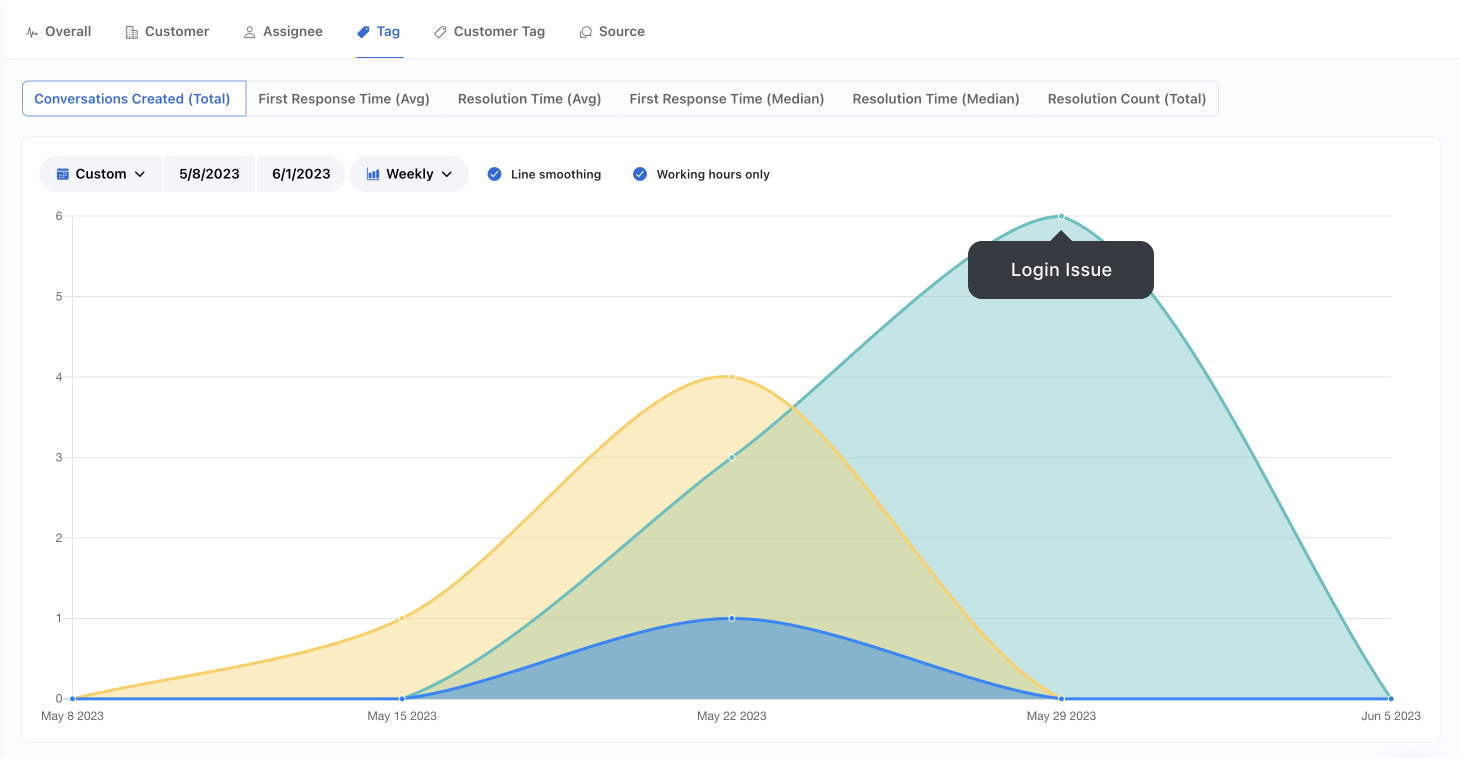
One of the primary benefits of AI tagging is that you will have reports generated that indicate trends of common tags over time.